Troubleshooting AI Responses

What should you do if the AI’s first response isn’t quite right?
The short answer: treat it as a starting point, not the final draft.
AI works best as a collaborator
If the first answer is close but still needs work, the fastest way to improve it is usually not to start over. Instead, refine it with follow-up guidance. AI responds well to clear feedback, just like a human collaborator would.
How to improve the result
Try prompts like:
“Make this more concise”
“Use a more professional tone”
“Present this in a table”
“Expand on the second point”
“Focus more on the financial impact”
The more specific your feedback, the better the next result is likely to be.
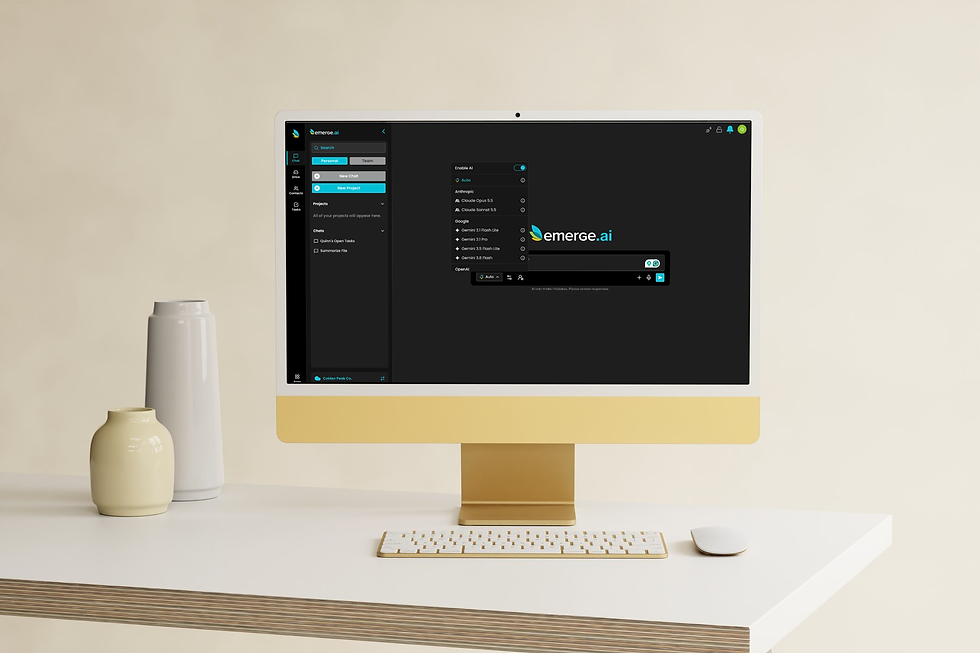
You can also rerun the same prompt with a different model. That is one of the key advantages of Model Choice in Emerge.ai: it gives you another path to a stronger output when the first attempt misses the mark.
Think of it like working with a colleague
If you were drafting something with a teammate or assistant, you would not expect perfection on the first try every time. You would review the draft, give feedback, and guide it toward the final version.
Using AI works the same way. The first response is often useful, but iteration is what turns it into something polished, tailored, and ready to use.
Bottom line
Don’t stop at the first answer. Iteration is one of the fastest ways to get stronger, more accurate, and more useful AI outputs.